
AWS Config
AWS Config is a service that allows you to get auditing and record compliance of your resources in AWS, based on some rules that you’re going to set, you can also record Configuration and their changes over time to quickly be able to roll back and to figure out what happened in your infrastructure if you need to.
So some questions that can be solved by Config are:
- Is there an unrestricted SSH access to my security groups?
- Do my buckets have anybody public access?
- How many ALB configuration that has changed over time?
Then based on these rules being compliant or not, you can receive alerts or SNS notifications for any changes. AWS config is a per region service, so you need to configure it for all the regions.
If you need to, and you can aggregate the data across regions and accounts to centralize it into one place, you can also can store the configuration of all your resources into Amazon history to be later analyzed, for example, by serverless query engine, such as Athena.
AWS Config Rules
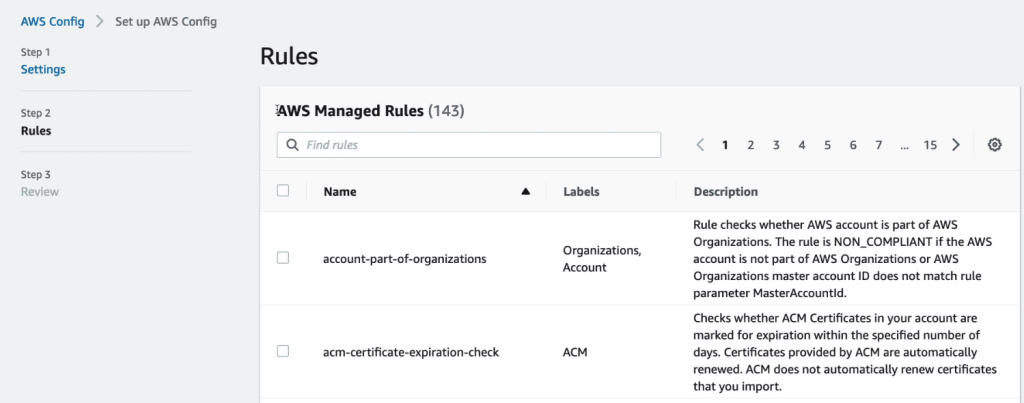
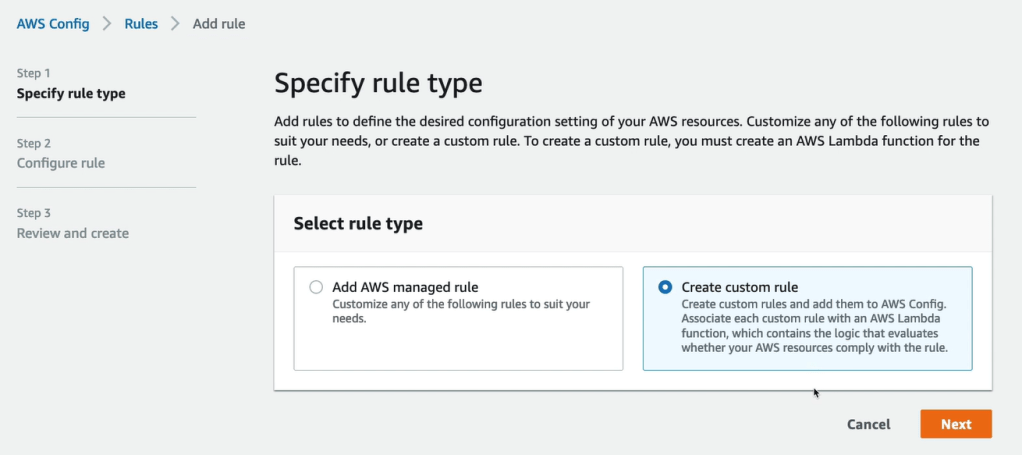
So what types of rules go into Config? Well, you can have AWS managed config rules, and there are over 75 rules that you can use, or you can create your own config rules such as custom rule ( these are defined in AWS Lambda)
- You can evaluate if each EBS disk is going to be of type gp2 or if each two instance in your development accounts is of type t2.micro.
- Some rules can be evaluated or triggered whenever a configuration is going to change. So whenever, for example, you have a new configuration of your EBS disc, please evaluate the type of your EBS disk, or you can also have the rule to be evaluated at regular time intervals.
AWS Config resources
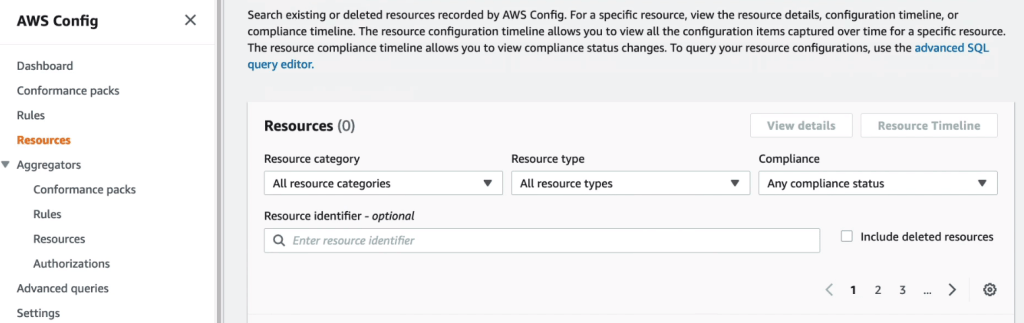
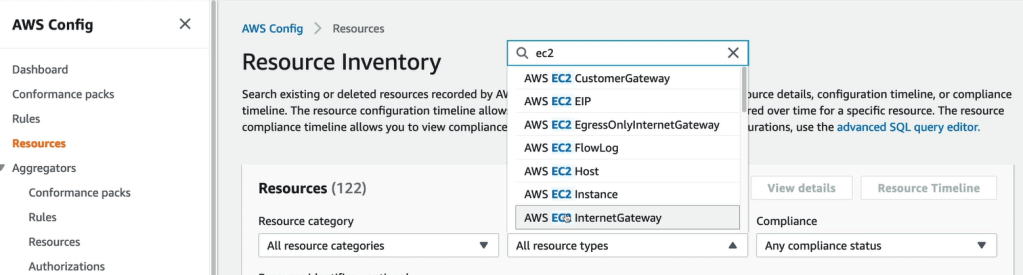
There are three resources mainly compliance of resource, configuration of resource, CloudTrail API calls of resources.
AWS Config Rules
You can do remediations of your non-compliant resources using an SSM Automation Documents. For example, there’s an SSM document named RevokeUnusedIAMUserCredentials, okay. It’s going to deactivate your IAM access keys. So the idea is that’s either using either using AWS-Managed Documents or creating your own automation documents, you can have remediations of your non-compliant resources.

And if you want it to and go all the way through with the scripting, you could create a document that will invoke a Lambda function and you’re free to do whatever you want there.
Finally, your remediation may have retries. So in case the resource is still non-compliance after an auto remediation, it may retry for example, up to five times.
Well, we can use if EventBridge to trigger notifications, whenever our resources are not compliant. So, for example, we monitor our security group, it becomes not compliance. Then we can trigger an event in EventBridge, and then pass it on to whatever resource you wants. You could use an SNS filtering to have a filtered SNS topic, and then you can send it these notifications, for example, to an admin email or to a slack channel and so on to get all these notifications in one place.

How to Setup AWS Config





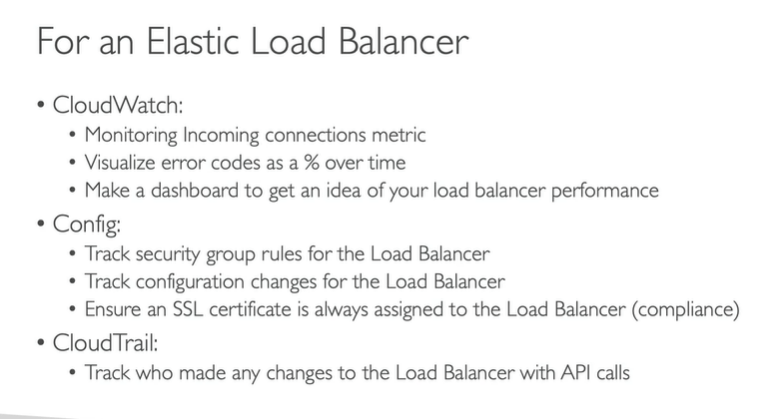
AWS CloudWatch vs CloudTrail vs Config
CloudWatch
- Performance monitoring and dashboards
- Events and alerting
- Log aggregation and analysis
CloudTrail
- Record API calls
- Can define trails for specific resources
- global service
Config
- Record configuration
- Evaluate resources again compliance rules
- Get timelines if changes and compliance.
 Automate Infra